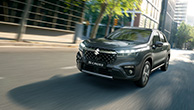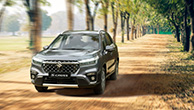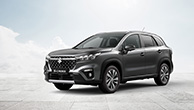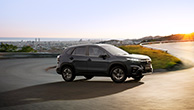
Cross The Line
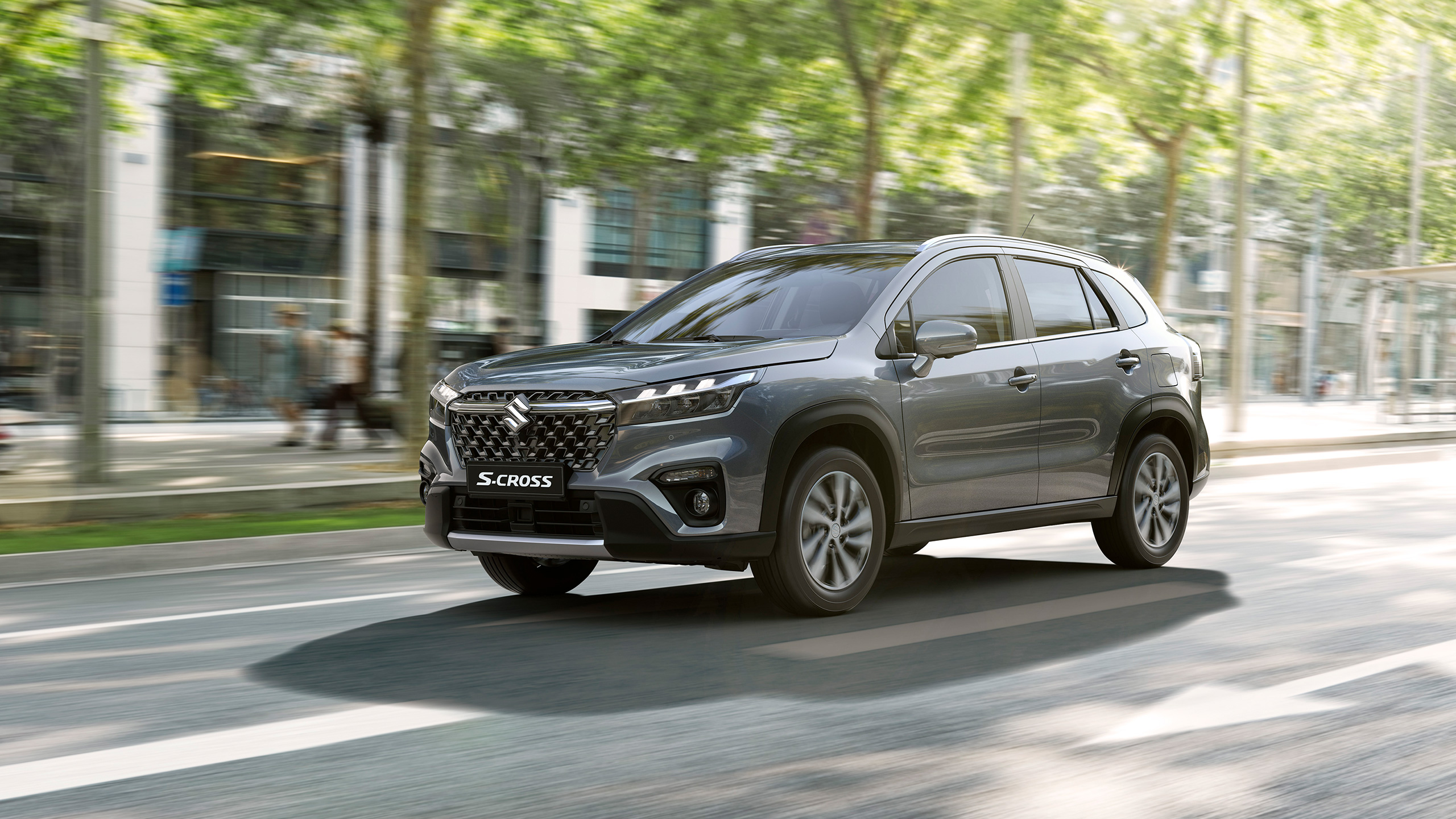
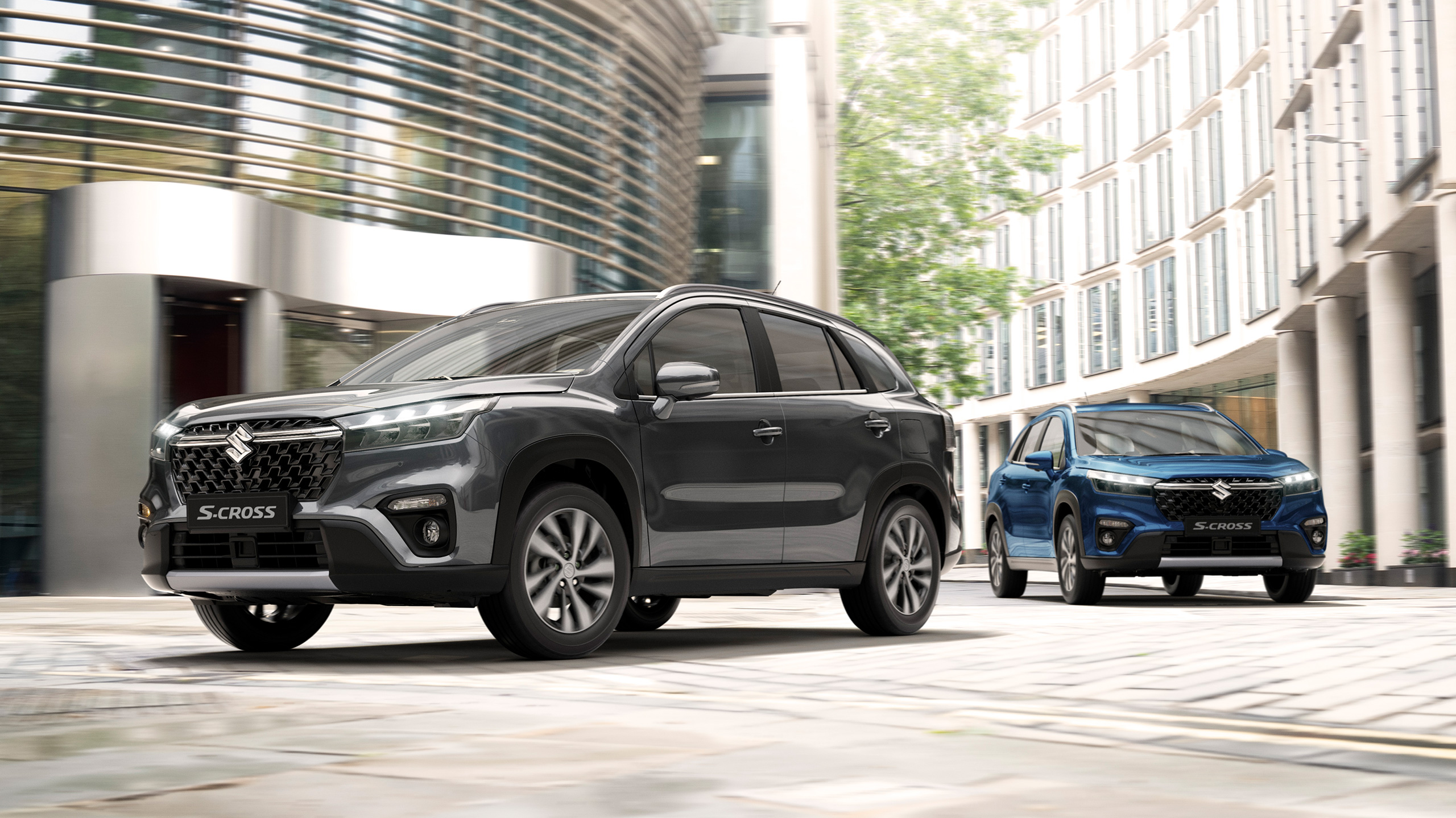
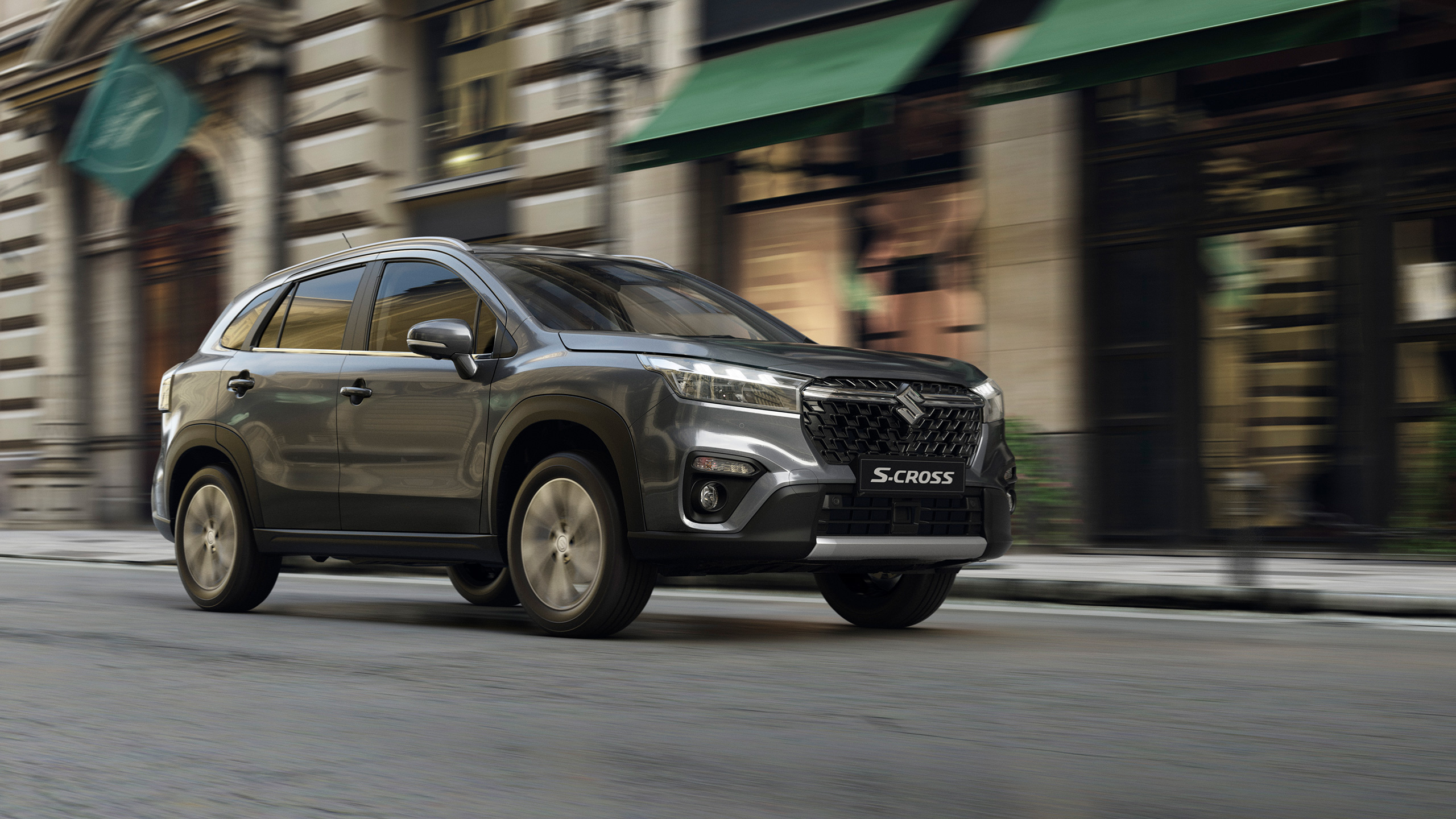
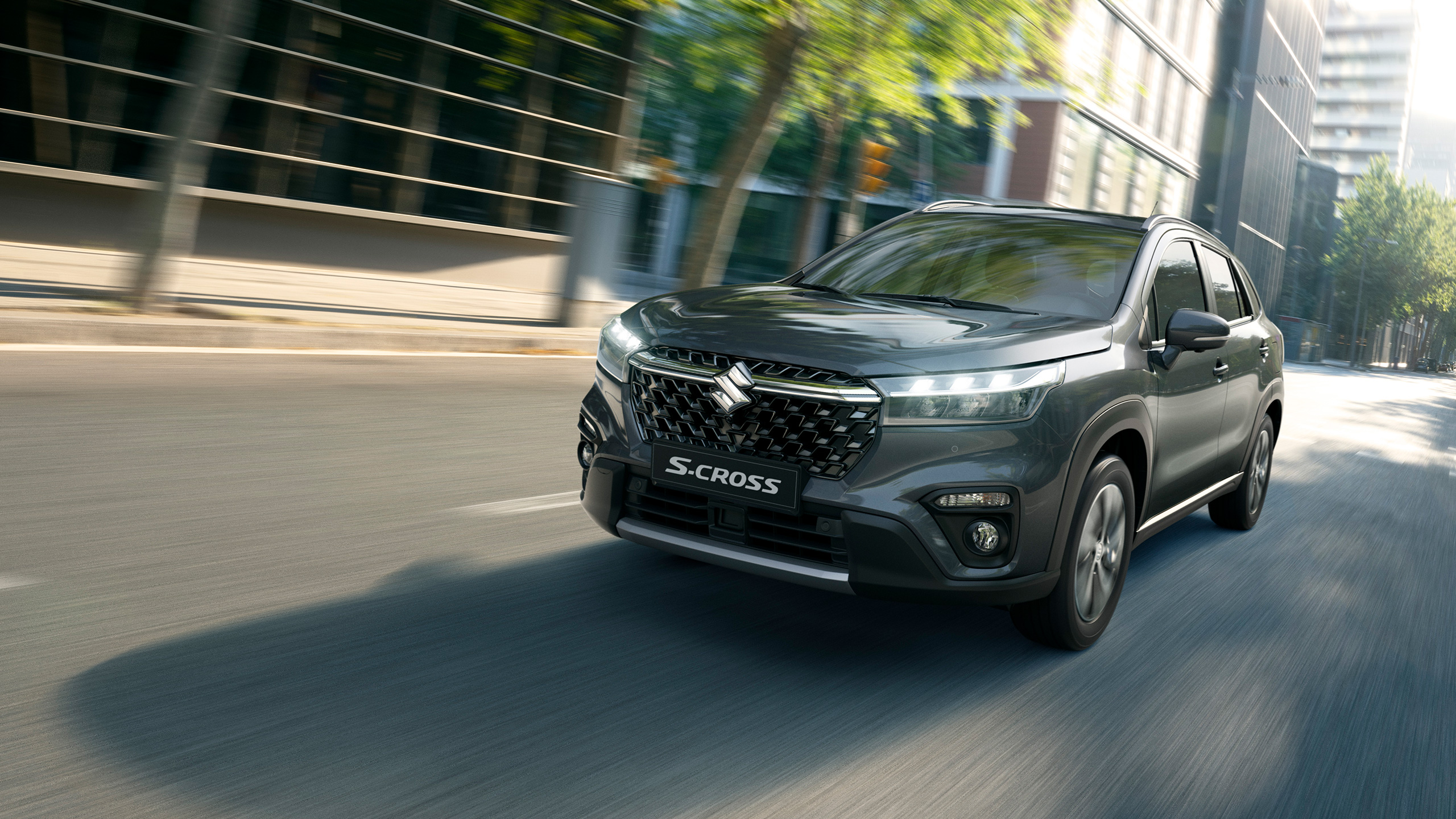
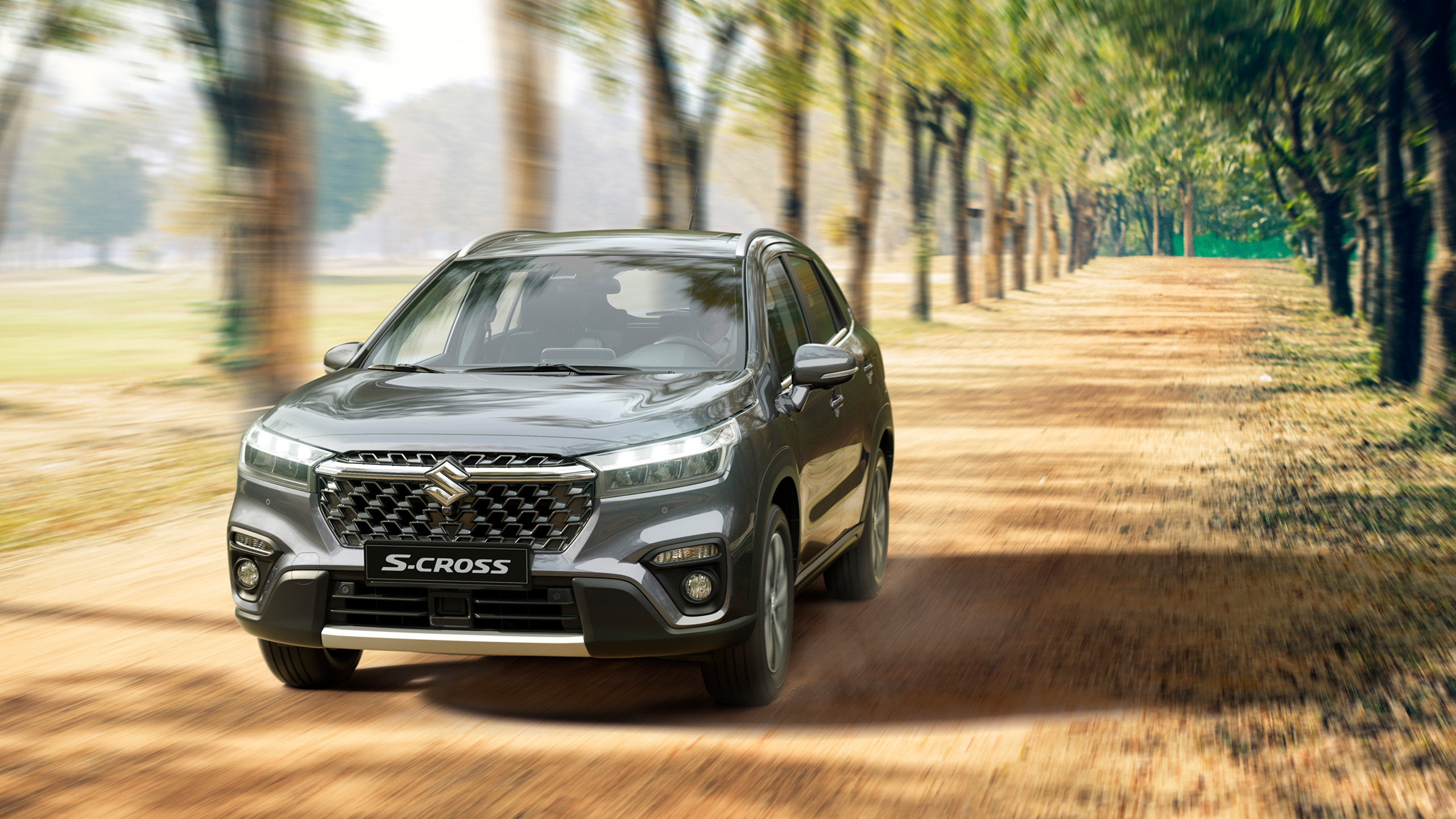
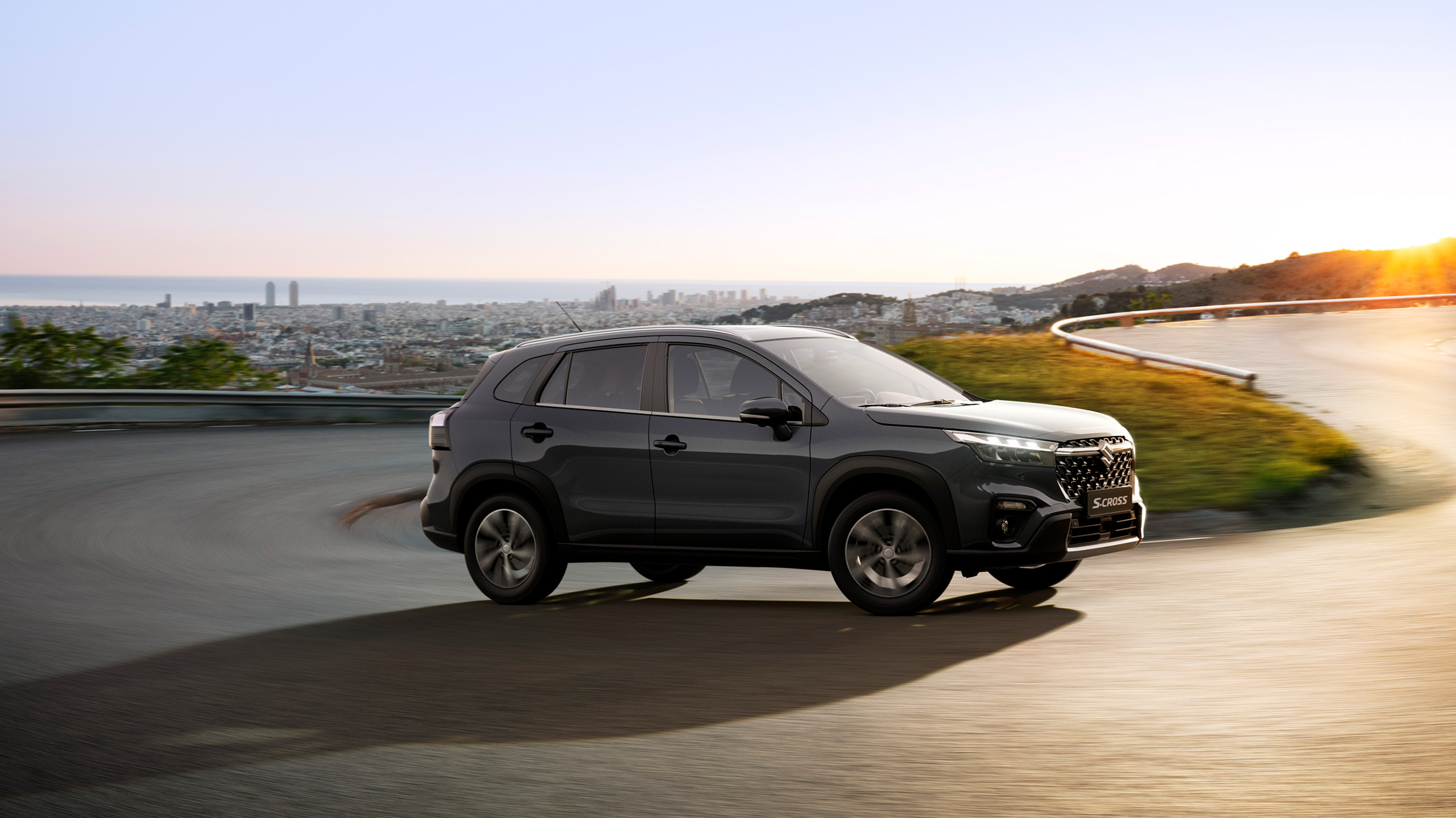
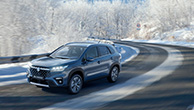
Life brings new challenges at each stage. You're either ready to take them head on, or you're left wondering what happened. The S-CROSS makes it an easy choice. Bold, confident SUV-styling and intelligent safety performance are just the beginning. Plenty of room for friends, family and gear, and ALLGRIP technology to help you take control of any road. So don't worry about what's coming. Be ready to cross the line.
Vehicles shown and contents in this site are of Europe specification.
The appearance, colours, and equipment of vehicles may differ according to market and grade.
EXTERIOR
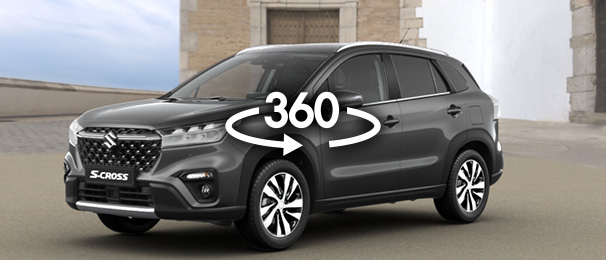
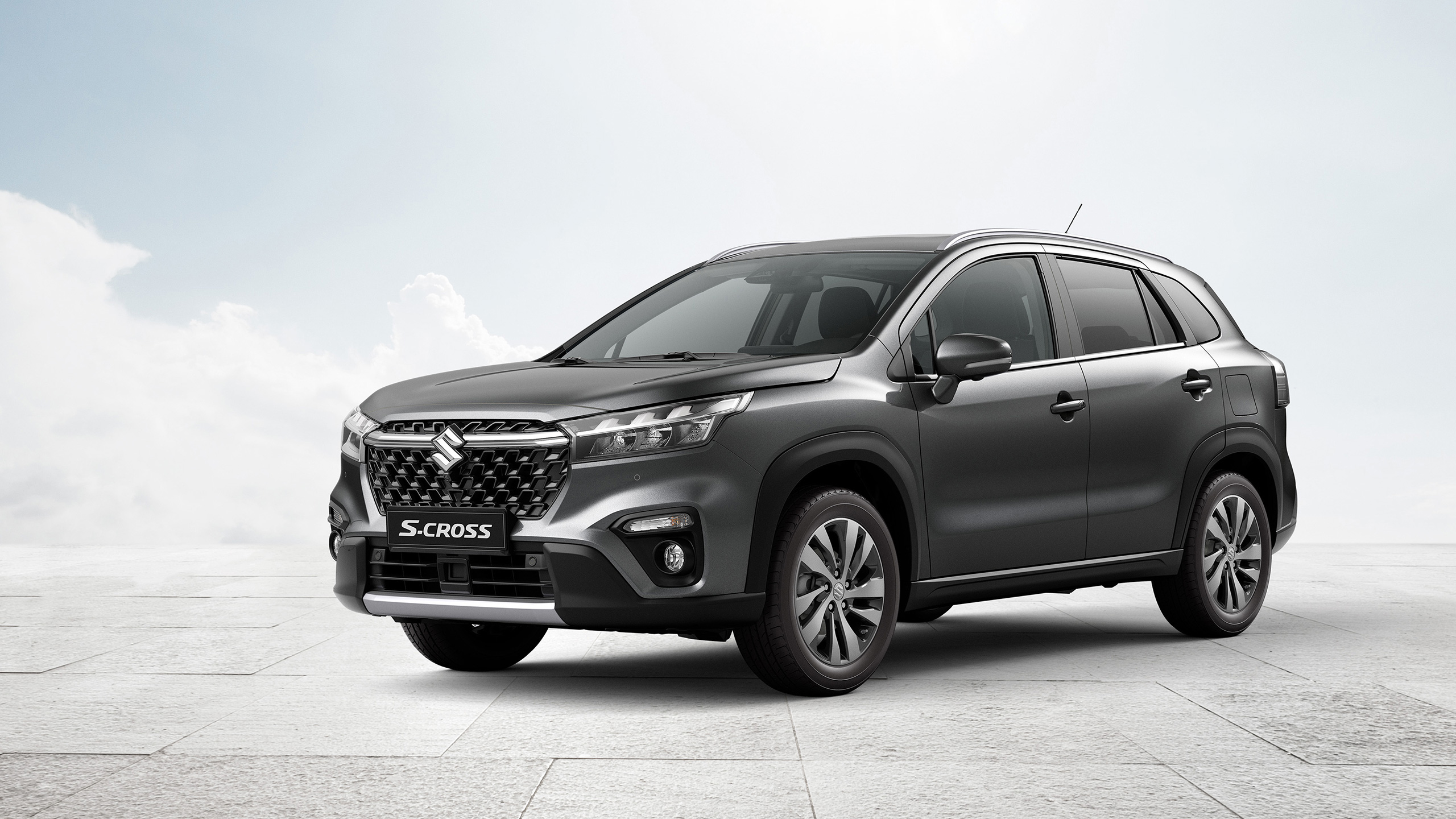
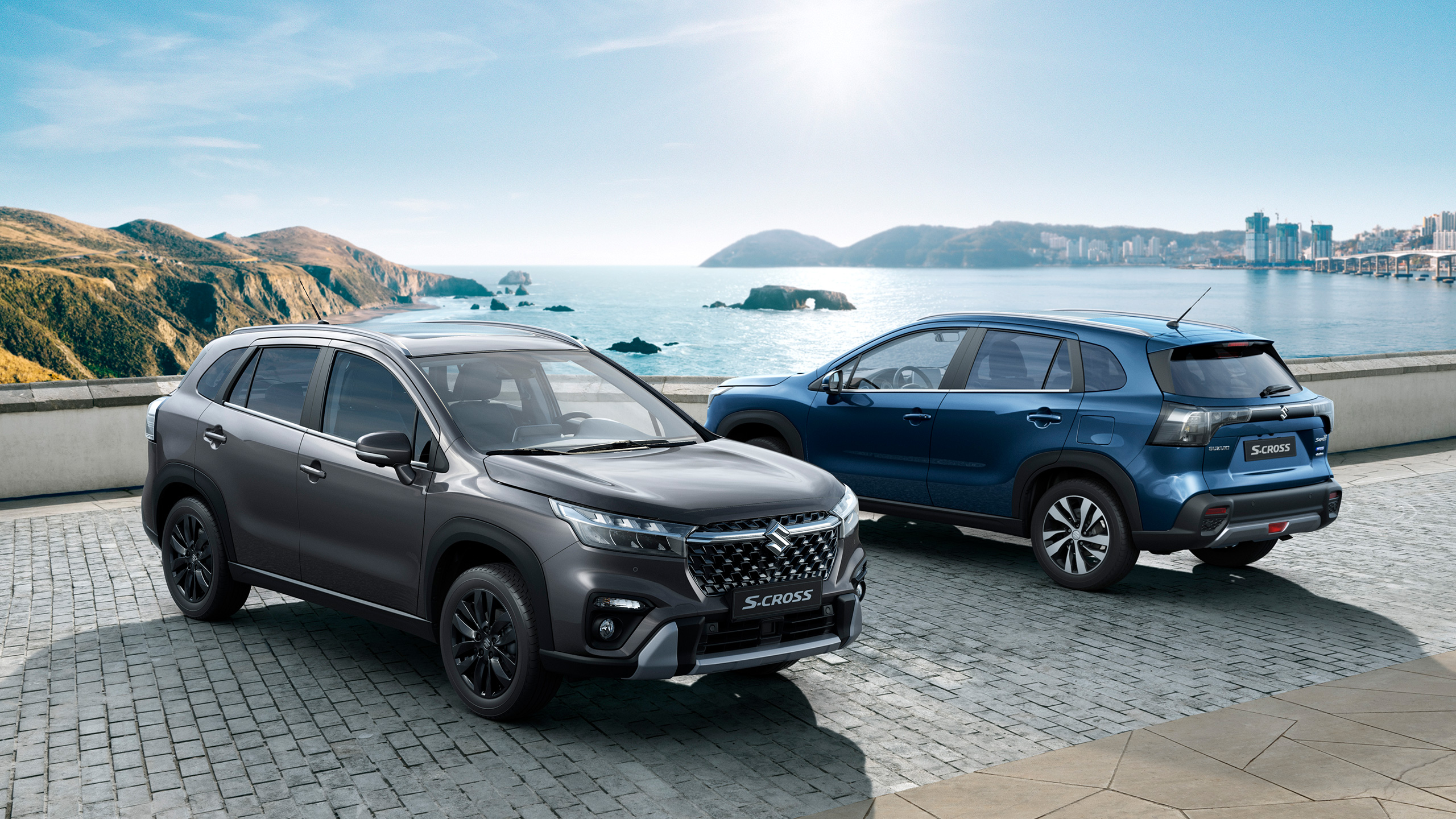
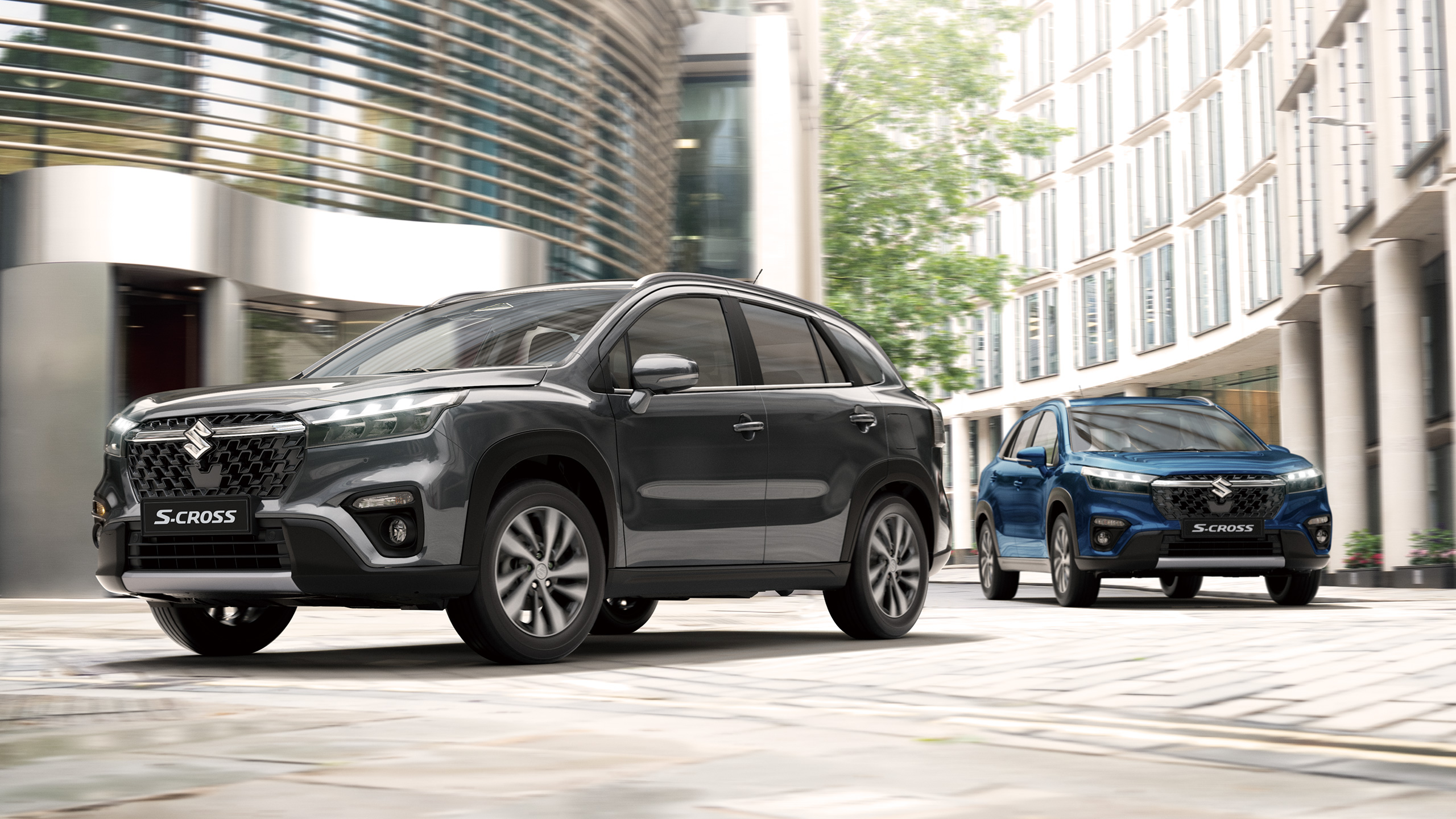
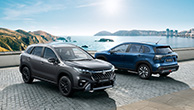
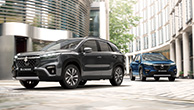
Aggressive SUV Styling
Making a strong first impression is always important, but making a lasting one is what determines your legacy.
The difference is in the details. The more you look, the more you like; and that’s what the S-CROSS promises.
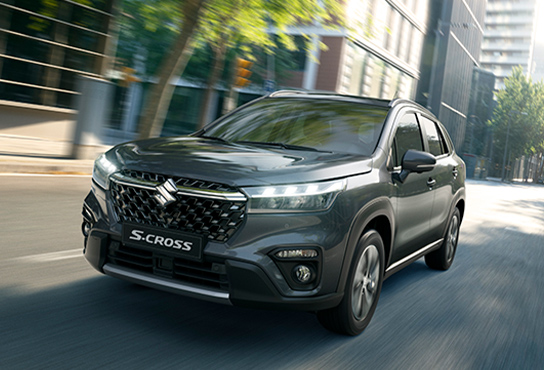
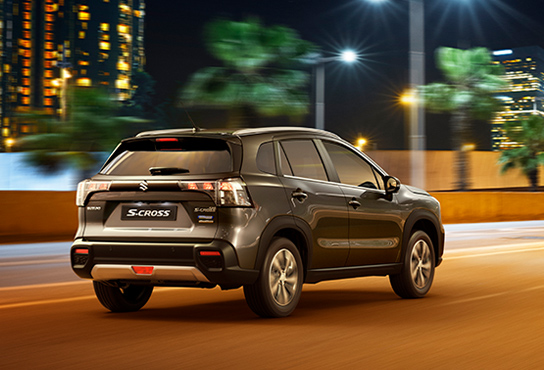
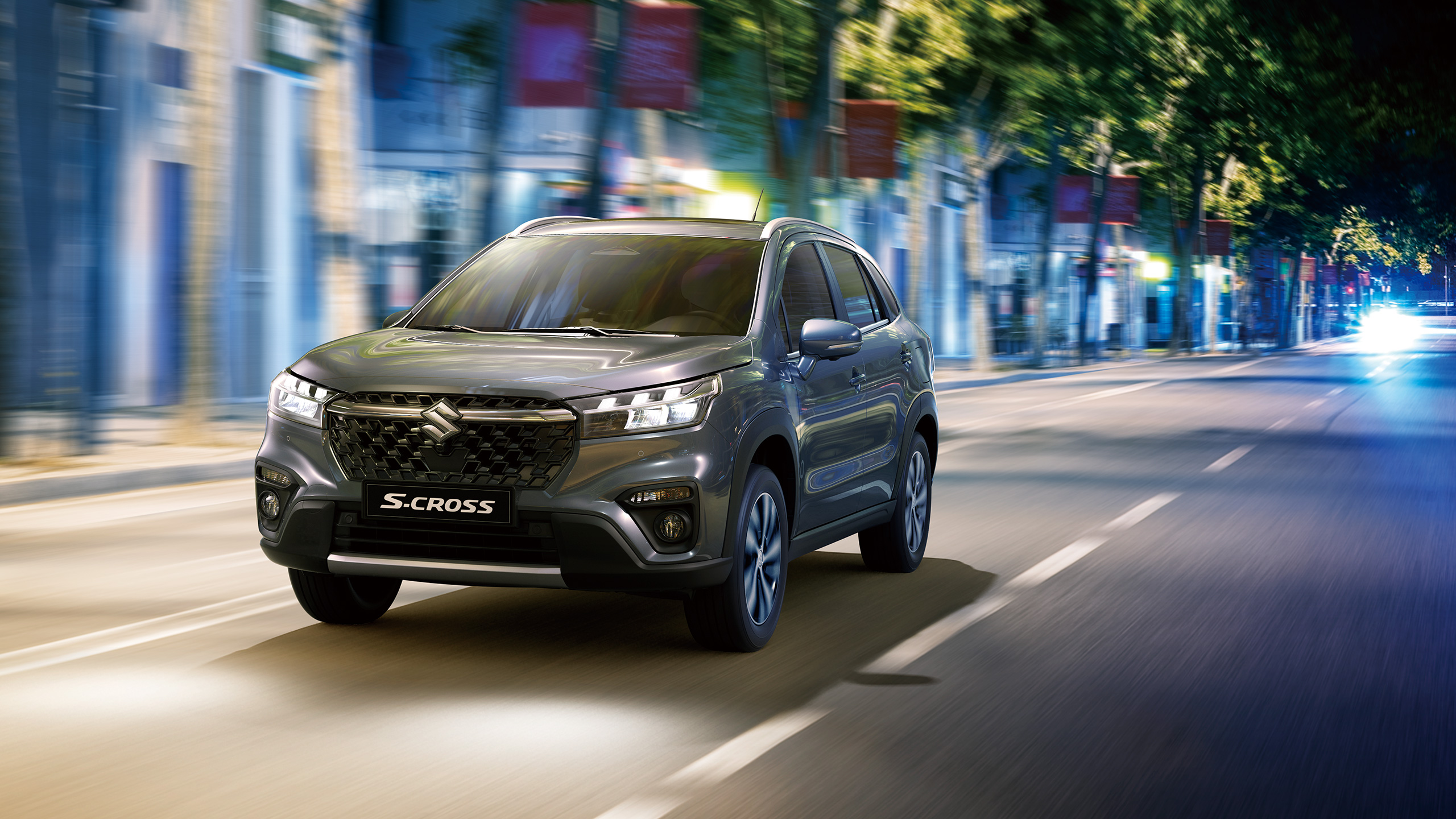
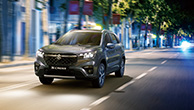
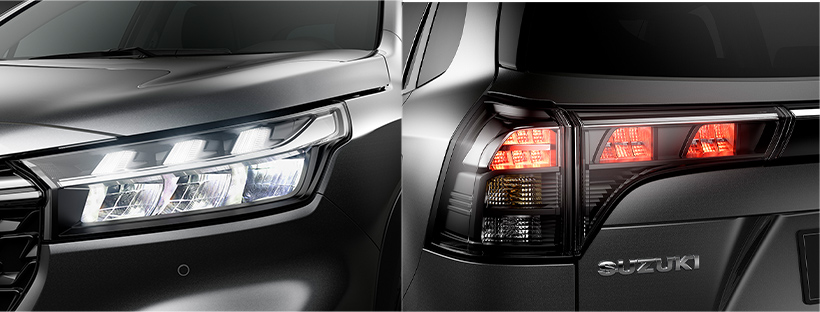
Front and rear LED lamps
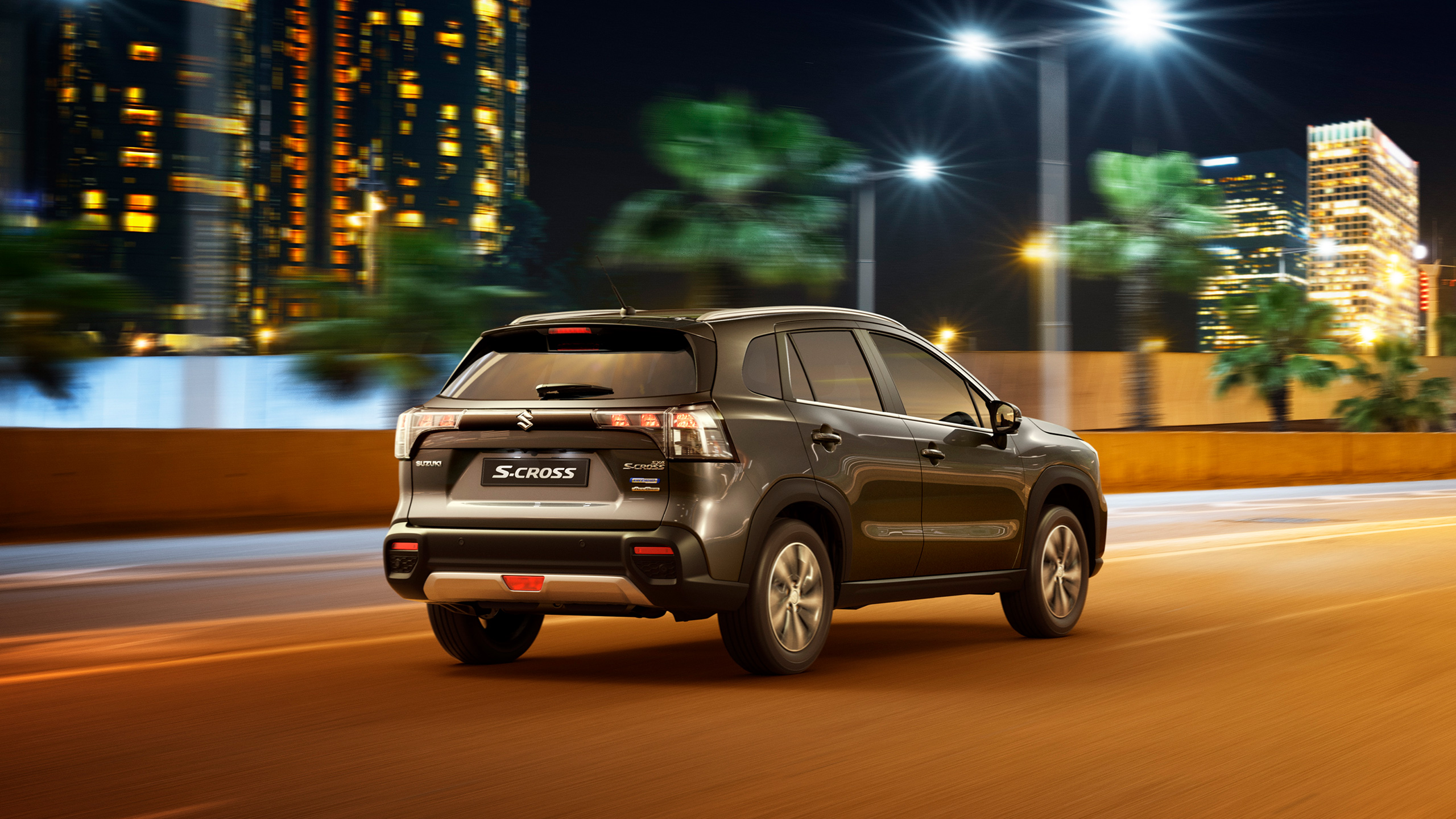
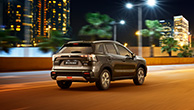
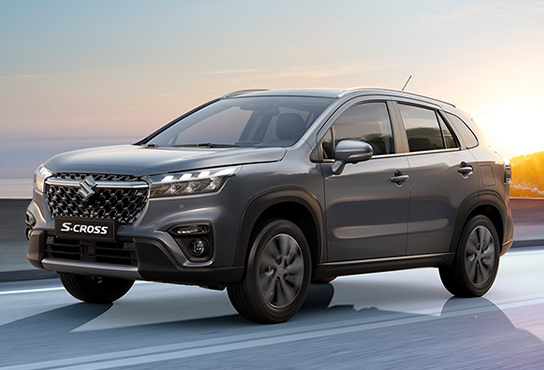
Bursting with vitality and all-around coolness, the headlamps and rear combination lamps each feature three LED position lamps for a dynamic impression. The front position lamps also function as daytime running lights.
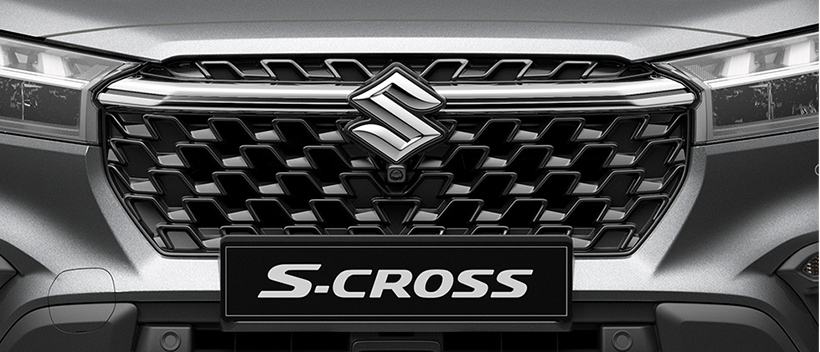
Stylised front grille
The impressive piano-black front grille delivers a dynamic presence that immediately sets the S-CROSS apart. The front emblem is set within a chrome-finish bar that contains the power of the grille.
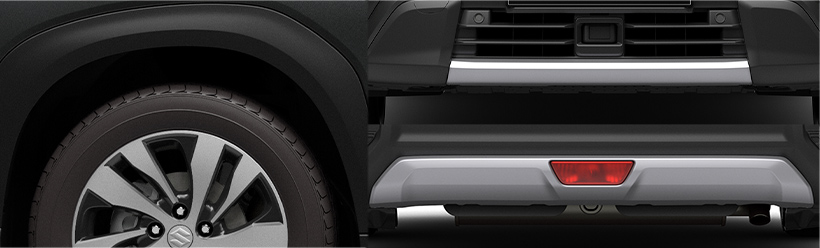
Ruggedly bold
The square, front and rear wheel arches add character to the exterior styling. Bold, silver garnishes on the front face and rear bumper deliver a strong first and lasting impression that adds to the confident SUV appearance.
Designer Interview Video

INTERIOR
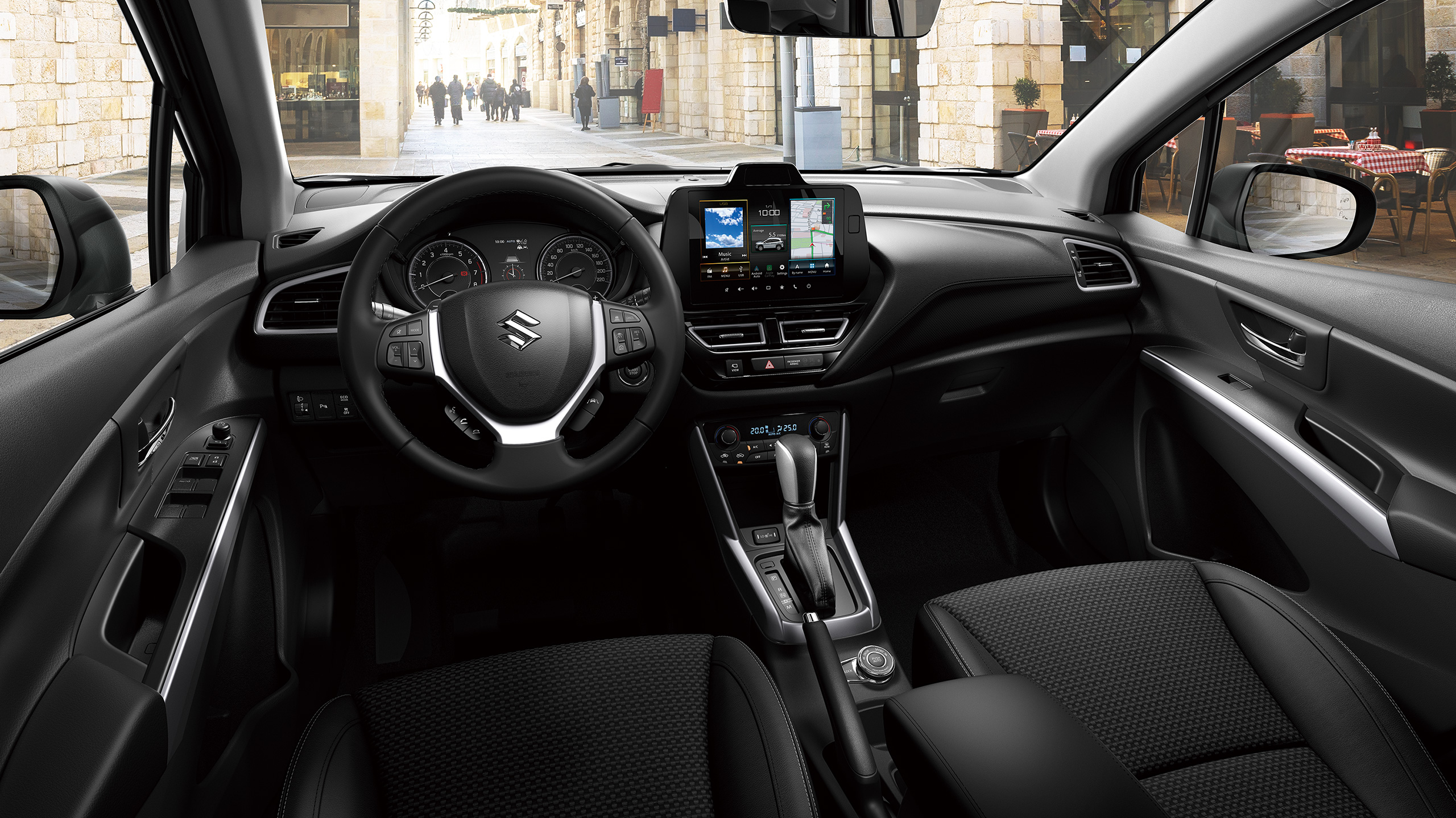
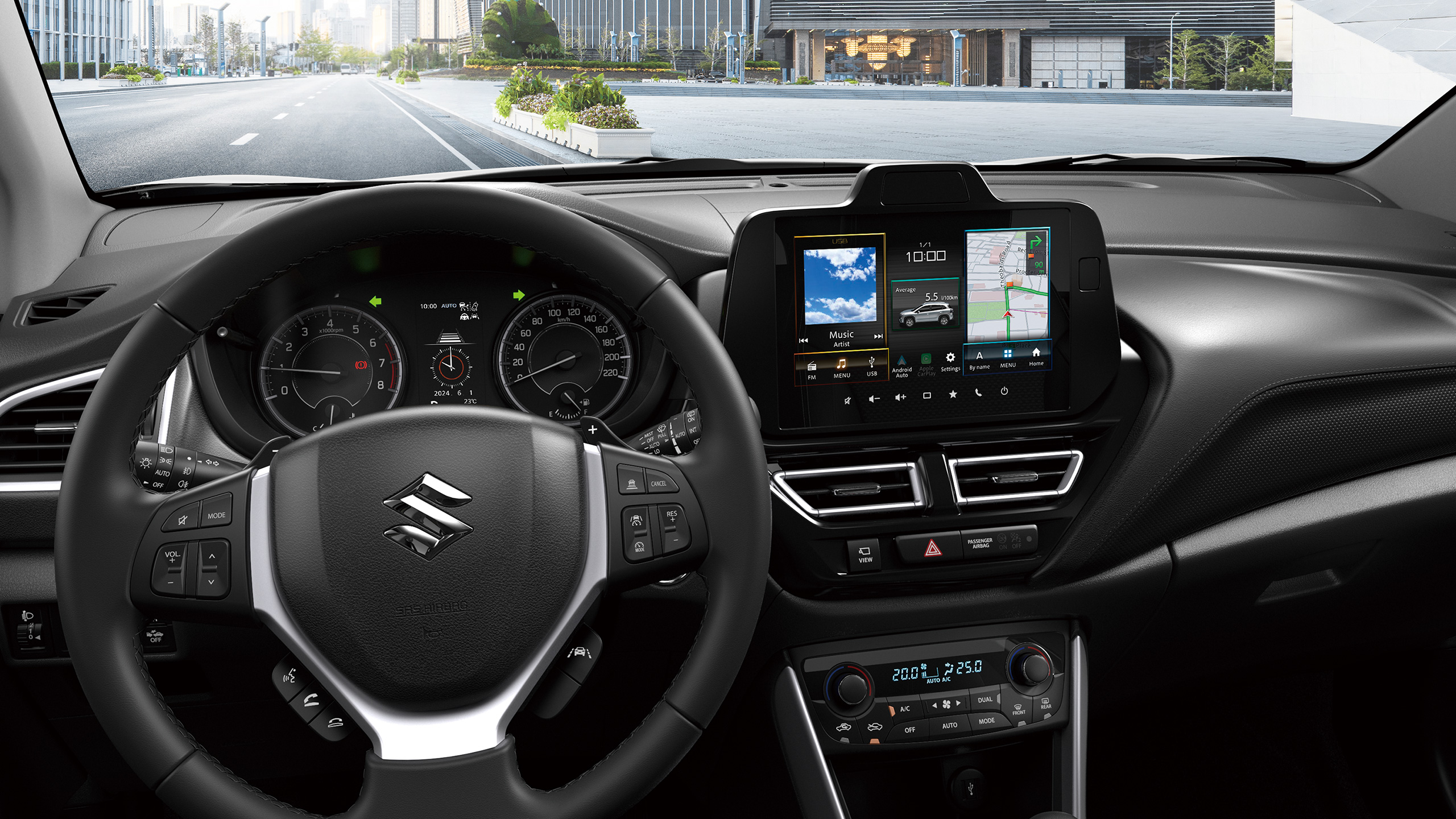
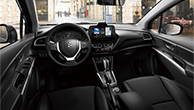
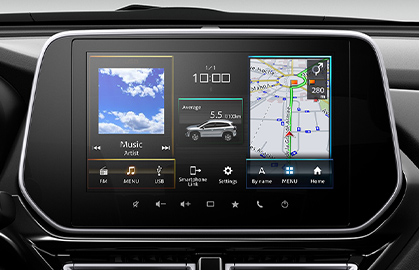
Display audio
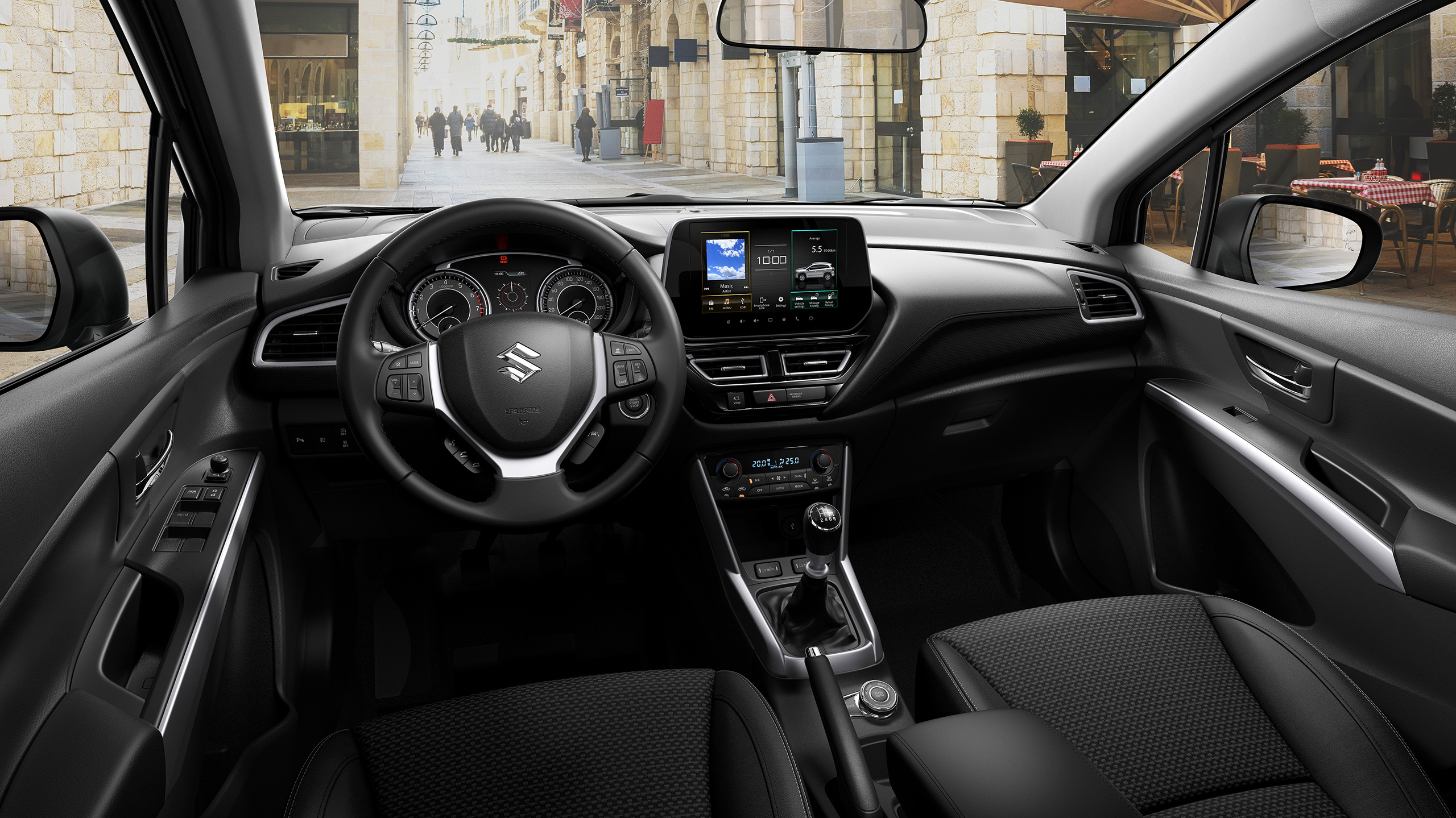
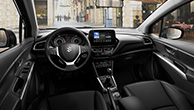
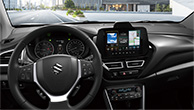
The large 9-inch display shows information such as fuel economy, driving range, hybrid energy flow, warnings, rear-view camera and 360 view camera. The display audio also keeps you in-tune with smartphone connection, voice recognition and hands-free Bluetooth® calling.

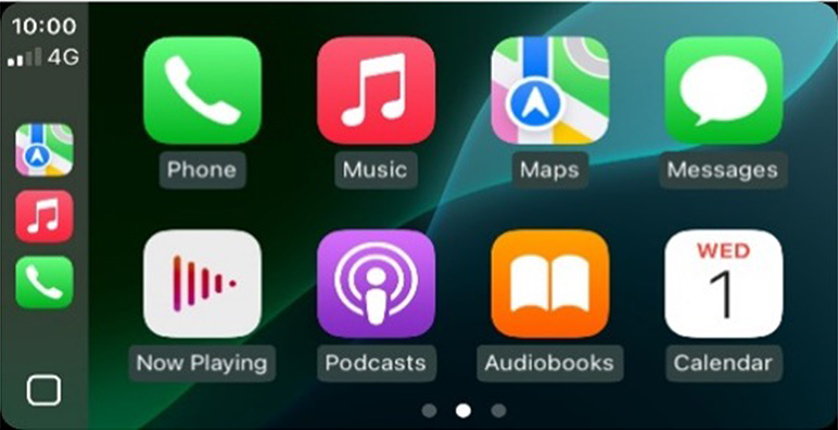
Apple CarPlay works with your iPhone and Siri to help you get directions, make calls, play music, and send and receive messages using voice commands or the display audio touch panel interface.
* Apple CarPlay is supported in the countries listed at the following link: https://www.apple.com/ios/feature-availability/#applecarplay-applecarplay
For more details, including iPhone models and iOS versions compatible with Apple CarPlay, see: https://www.apple.com/ios/carplay/
* Apple, Apple CarPlay, iPhone and Siri are trademarks of Apple Inc., registered in the U.S. and other countries.

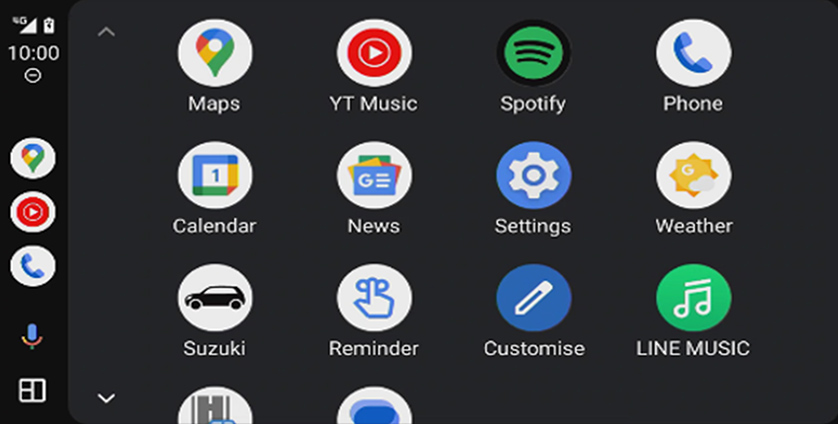
Android AutoTM lets you use voice commands to send messages, get directions, control media and perform other actions. Just say, “Hey Google” or long press the voice control button on the steering wheel to get started.
* Android Auto is supported in the countries listed at the following link: https://www.android.com/auto/
Compatible Android phone and compatible active data plan required.
* Google, Android, Android Auto, YouTube Music and other marks are trademarks of Google LLC.
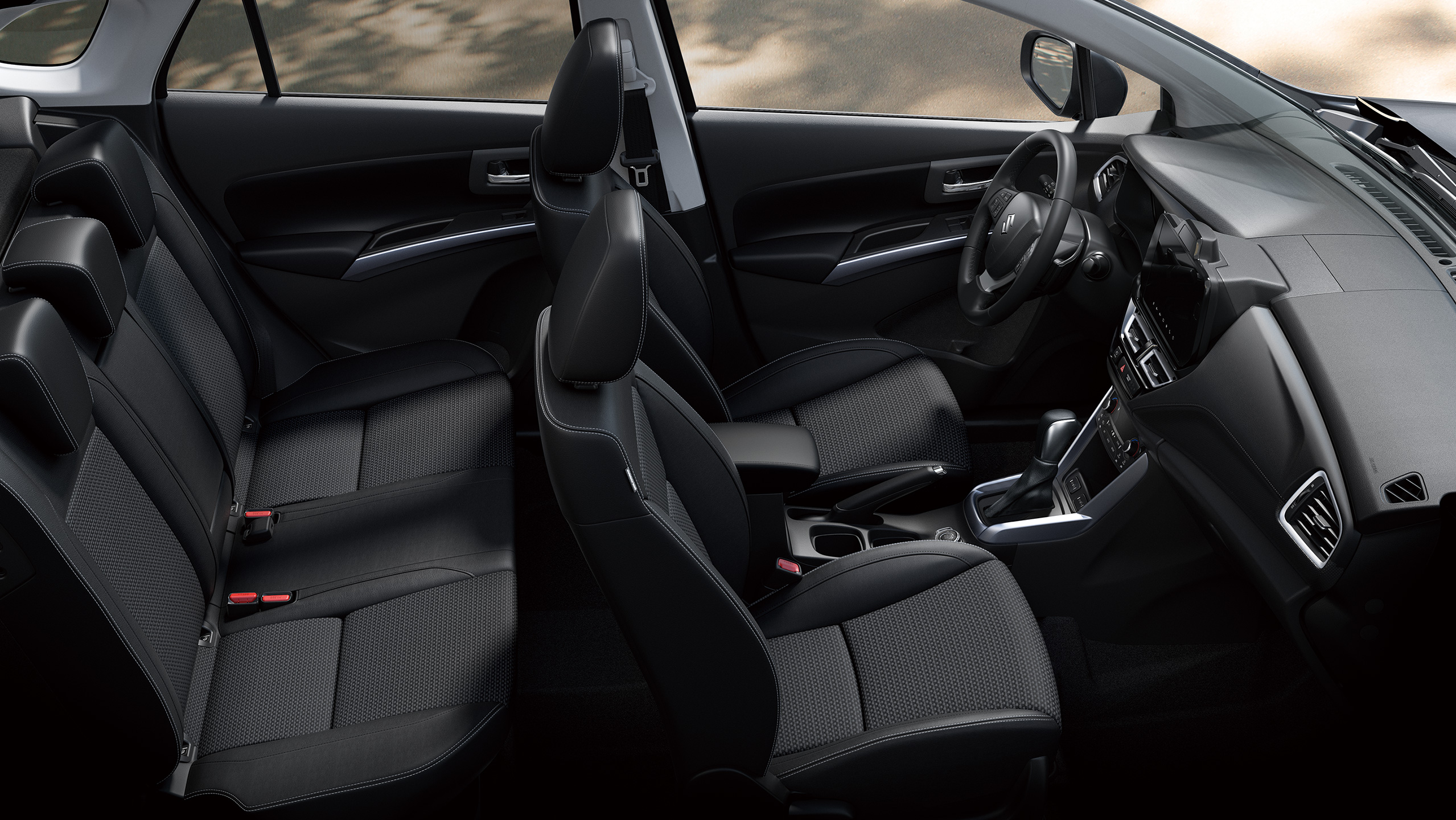
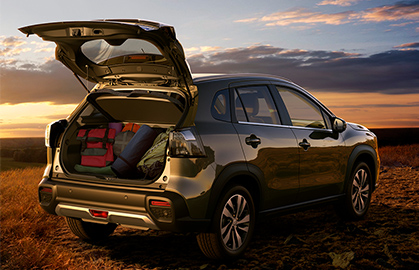
Flexible luggage space
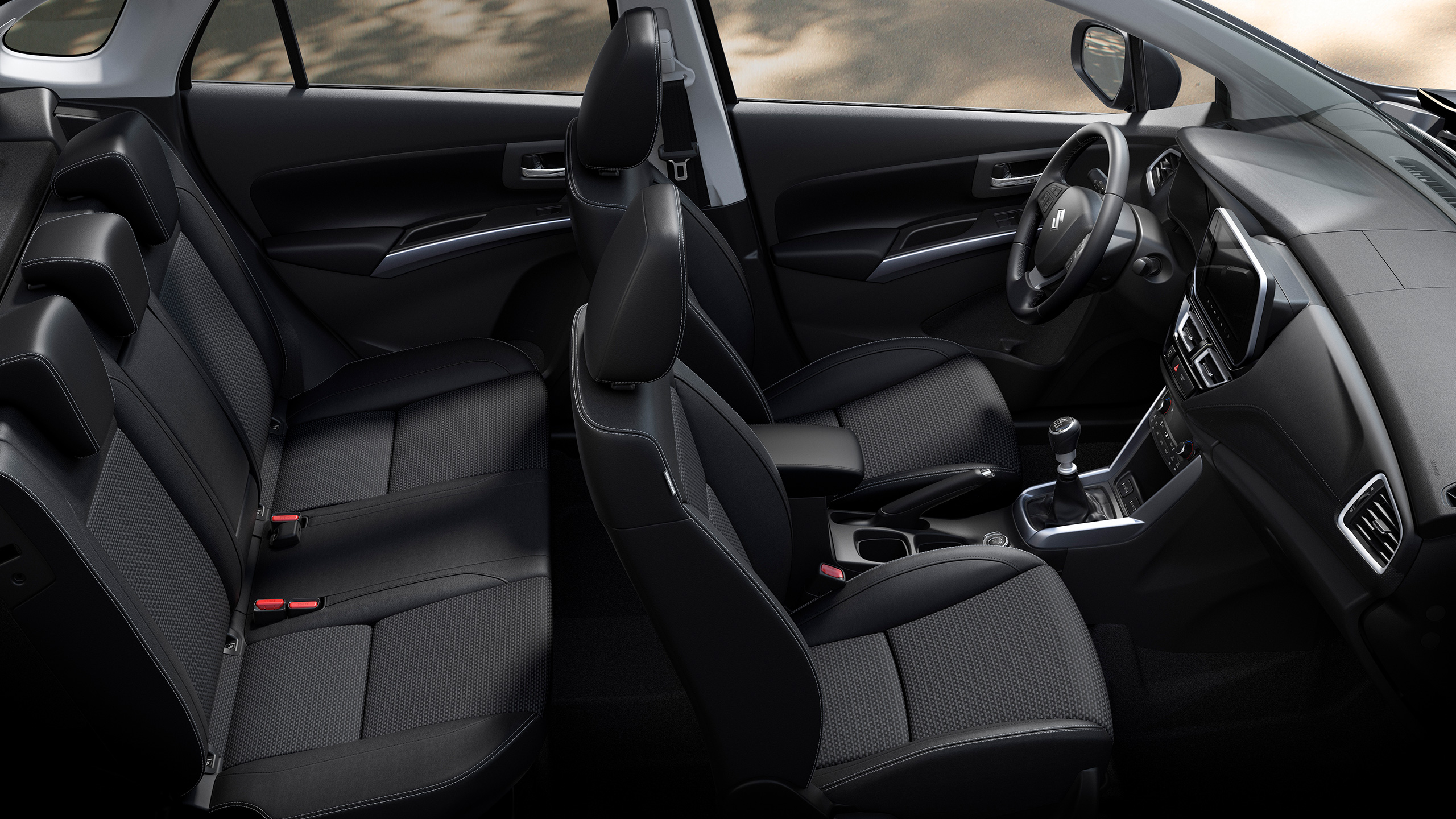
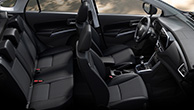
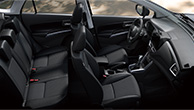
The 60:40-split rear seatback and multi-position luggage area board make it easy to accommodate a variety of cargo.
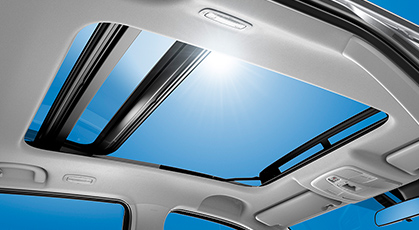
Panoramic sunroof
Double sliding glass panels create an extra-large opening for the panoramic sunroof that can be enjoyed from any seat in the car.
PERFORMANCE
The Power To Move You
Getting where you want to go should be as much fun as what awaits when you get there. An innovative combination of power, efficiency and control ensure that the experience is a memorable one.
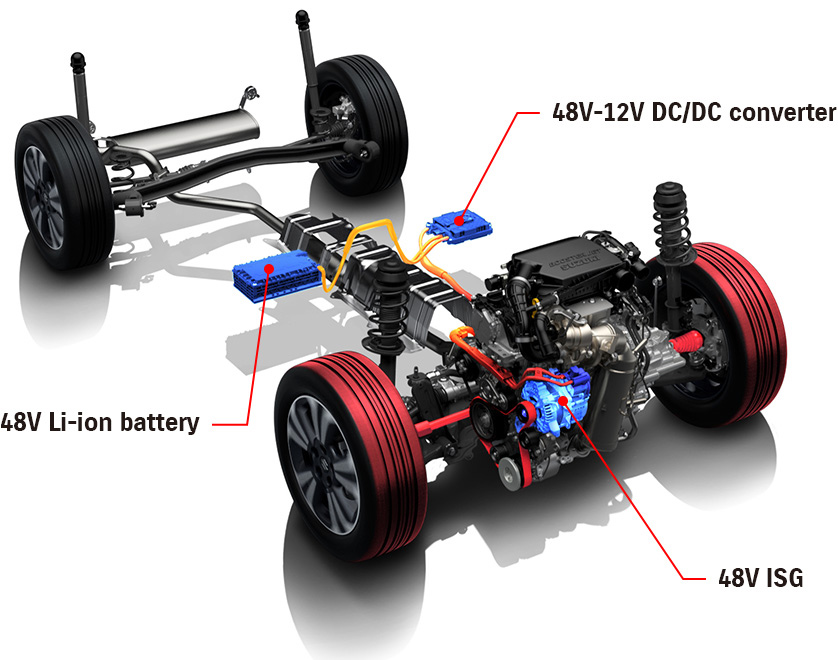
1.4 BOOSTERJET engine with SHVS mild hybrid

1.4 BOOSTERJET engine features intercooled turbocharger that forces pressurised air into the cylinders, maximising torque at low rpm. The direct injection system optimises amount, timing and pressure of fuel for enhanced performance and efficiency. For further efficiency, the 1.4 BOOSTERJET engine is equipped with the 48V SHVS mild hybrid system, which consists of a 48V ISG (Integrated Starter Generator) with electric motor function, 48V lithium-ion battery and 48-12V DC/DC converter. With a greater supply voltage than conventional 12V, it increases both regenerated energy from deceleration and the amount of electric motor assist to suppress fuel consumption and enhance driving performance.
ALLGRIP SELECT

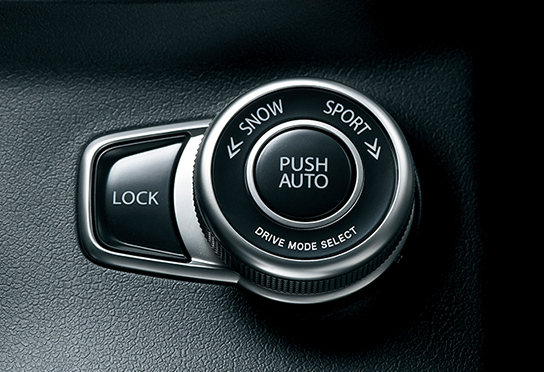
Four easily selectable modes let you choose the 4WD setting that best matches the driving conditions. Just choose and drive with the confidence that ALLGRIP SELECT is on the job.

Auto mode
Prioritises fuel economy in typical driving conditions, only switching to 4WD when slippage is detected.

Sport mode
Increases cornering performance by allocating additional torque to the rear wheels. Sport mode also optimises accelerator-torque characteristics to increase engine response.

Snow mode
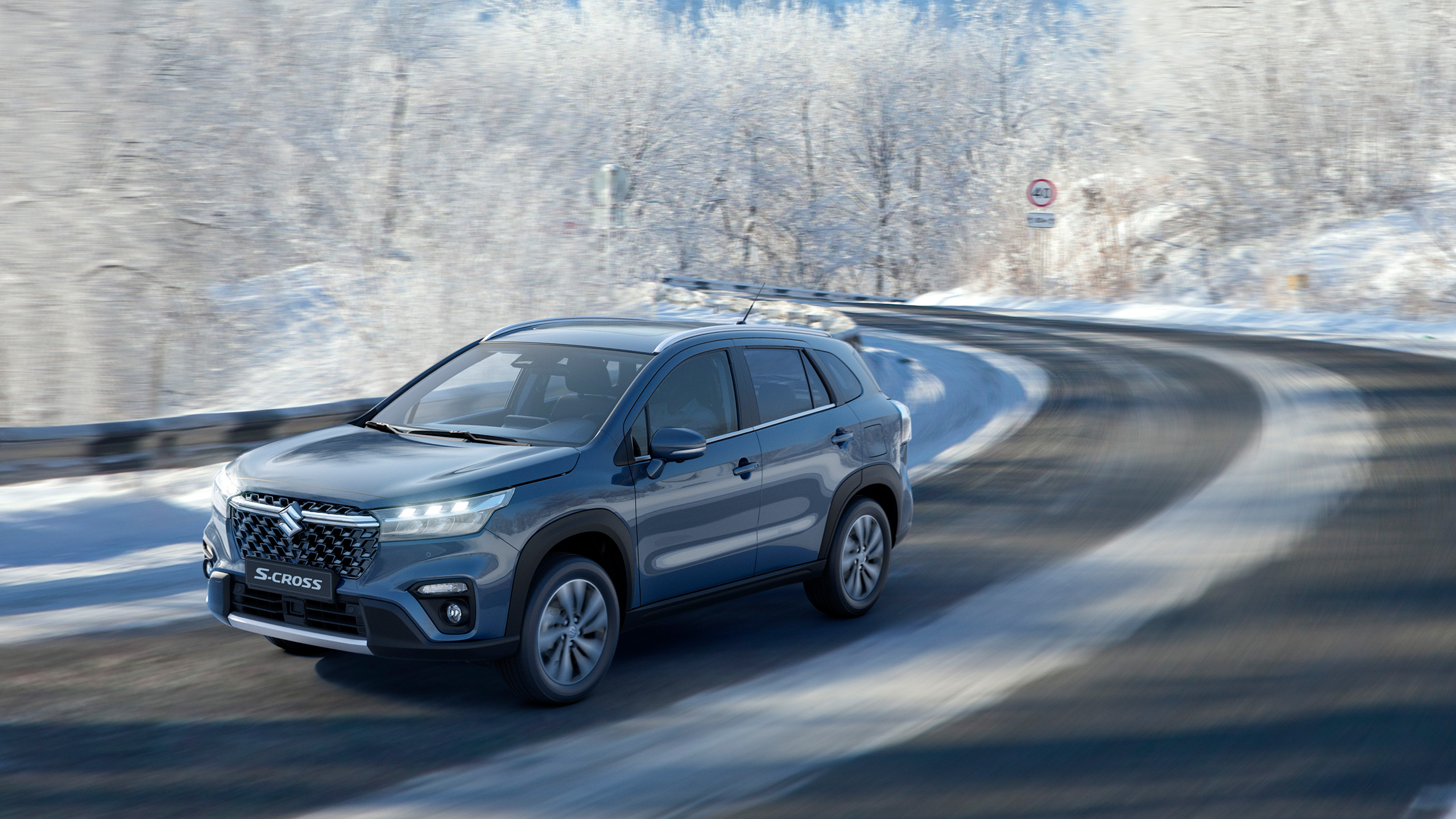
Provides excellent stability and enhanced traction, especially during acceleration, on snow, unpaved or other slippery surfaces.

Lock mode
This mode delivers maximum torque to the rear wheels to get you out of sticky situations such as deep snow, mud or sand. Automatically switches to Snow mode at 60 km/h.
SAFETY
Suzuki Safety Support
Dual Sensor Brake Support II (DSBS II)
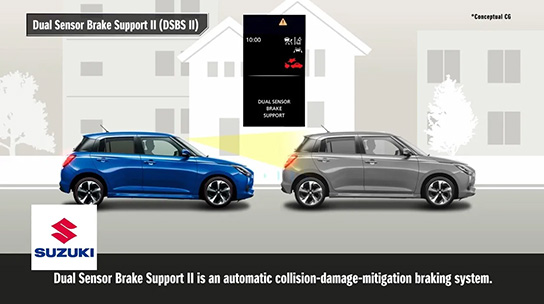
Millimetre-wave radar and a monocular camera are employed to detect vehicles, motorcycles, bicycles (daytime only) and pedestrians directly or diagonally ahead of the vehicle. If a collision seems possible, audio and visual warnings are issued to alert the driver. If the driver brakes with insufficient force, brake assist automatically engages to help slow the vehicle. And if the probability of a collision increases, the system automatically applies brake force to help reduce impact force and mitigate damage.
Adaptive Cruise Control (ACC)
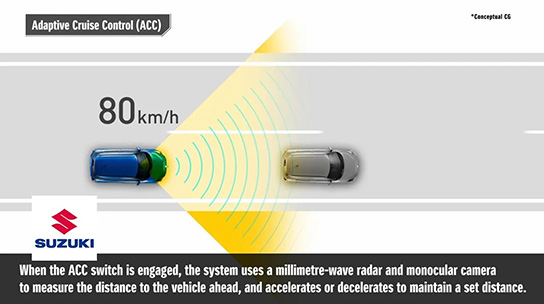
ACC helps reduce driver fatigue on long trips. It is also linked to the traffic sign recognition system to help drivers comply with posted speed limits. The ACC is activated by single operation when the switch on the steering wheel is pressed. In traffic the system uses millimetre-wave radar and a monocular camera to measure the distance to the vehicle ahead, and will accelerate or decelerate the vehicle as needed to maintain a set distance. If the road ahead is clear, it will maintain the speed the vehicle was traveling when the switch was pressed. (On AGS-equipped models, ACC disengages when the vehicle comes to a stop. On MT-equipped models, ACC disengages at speeds of approximately 30 km/h or less.)
Lane Keep Assist (LKA)
When adaptive cruise control is activated, LKA helps the driver maintain the vehicle’s position in the centre of the lane. When lane markings are unclear, the system utilises information detected from the preceding vehicle’s driving trajectory.
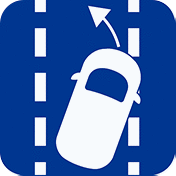
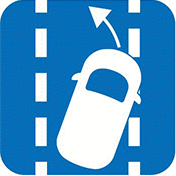
Lane Departure Prevention (LDP)
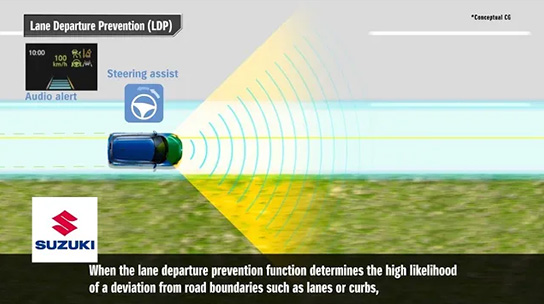
When driving, LDP detects the left and right lane demarcation lines and predicts the vehicle’s path. If the vehicle begins to drift from the lane due to driver inattention, the system alerts the driver by sounding an audio alert or vibrating the steering wheel. If the system determines there is still a high probability of lane departure, it provides steering assistance to help the driver return to the centre of the lane.
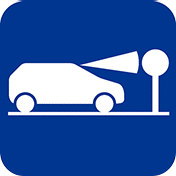
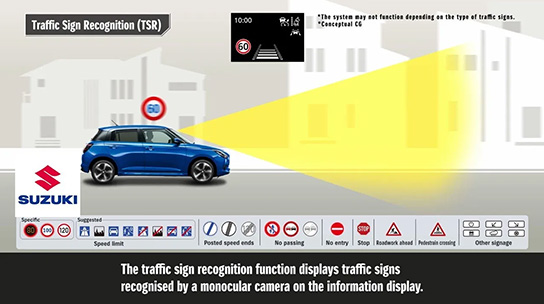
Traffic Sign Recognition (TSR)
This system utilises the monocular camera to detect traffic signs such as speed limit signs and no passing signs, and alerts the driver by displaying icons of the signs on the multi-information display. When the speed limiter is engaged, vehicle speed is regulated to help drivers stay within the posted limit.
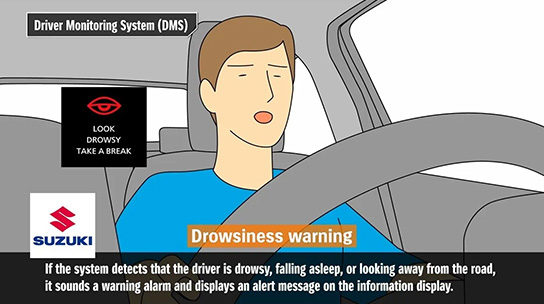
Driver Monitoring System (DMS)
A camera built into the instrument panel monitors the driver’s eyes and face. If the system detects that the driver is drowsy, falling asleep, or looking away from the road, it sounds a warning alarm and displays an alert message on the information display.
High beam assist
When the headlamps are on high beam and there are oncoming or preceding vehicles in front, or if the car is being driven in a well-lit area, the headlamps automatically switch to low beam. The headlamps automatically return to high beam when there are no oncoming or preceding vehicles in front of the car, or when the surrounding area is poorly lit. (Active only at speeds above 40 km/h.)
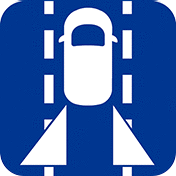
Blind Spot Monitor (BSM)
The blind spot monitor uses millimetre-wave radar sensors in the rear bumper to detect vehicles located in or approaching the rear blind spots on either side of the vehicle. When a vehicle is detected, a warning icon appears in the door mirror. If the driver activates the turn signal to change lanes, the icon flashes and an audio warning sounds.
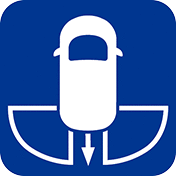
Rear Cross Traffic Alert (RCTA)
When backing out of a parking space, for example, this function helps you avoid collisions. If the sensors detect a vehicle approaching the rear blind spots, a warning sound, a flashing side-mirror indicator and a notification in the multi-information display alert you to the situation.

CONNECTED
Feel The Connection
Seven service functiones available through the SUZUKI CONNECT app let you keep tab on your car at all times. Just download and install to communicate with your car like never before.
Status Notification

Status Notification lets you know when you’ve forgotten to lock the doors or turn off the lights. The doors can be locked remotely. You can also check fuel level, cruising range and average fuel consumption right on the app home page.
Parked Car Locator

This function lets you know where you last stopped the engine to help you find your car easily in large parking lots simply by looking at the map on your smartphone. You can also share the parking location with your family and friends by email or short message.
Driving History

Check and manage driving history data for the past 18 months. Separate data by driver or by trip and categorise according to private or business use. You can even export the data as a CSV file for your records.
Geofencing and Curfew Alert
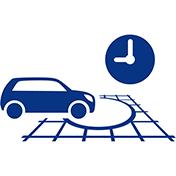
By setting area and time parameters, you know when the car has left or entered the determined area. Curfew alert notifies you when the car has failed to return home at a set time.
Security Notifications

Two types of security notification functions let you know if your parked car has been broken into and the alarm triggered or if the engine has been started when you are supposedly not using it.
Warning Light Notification
If there’s a problem with your car, a notification will be sent to your smartphone, indicating the cause and recommended actions. Use the app to call the dealer or ask for roadside assistance.
Periodic Maintenance / Recall Notification

When the time for scheduled maintenance approaches, a reminder is sent to your smartphone so you don’t forget. And in the event of a service campaign or recall, the information is also sent as a notification.